
Creating a QR code is now easier than ever, but many people are unsure about the next step: how to print it properly and make it useful in real situations.
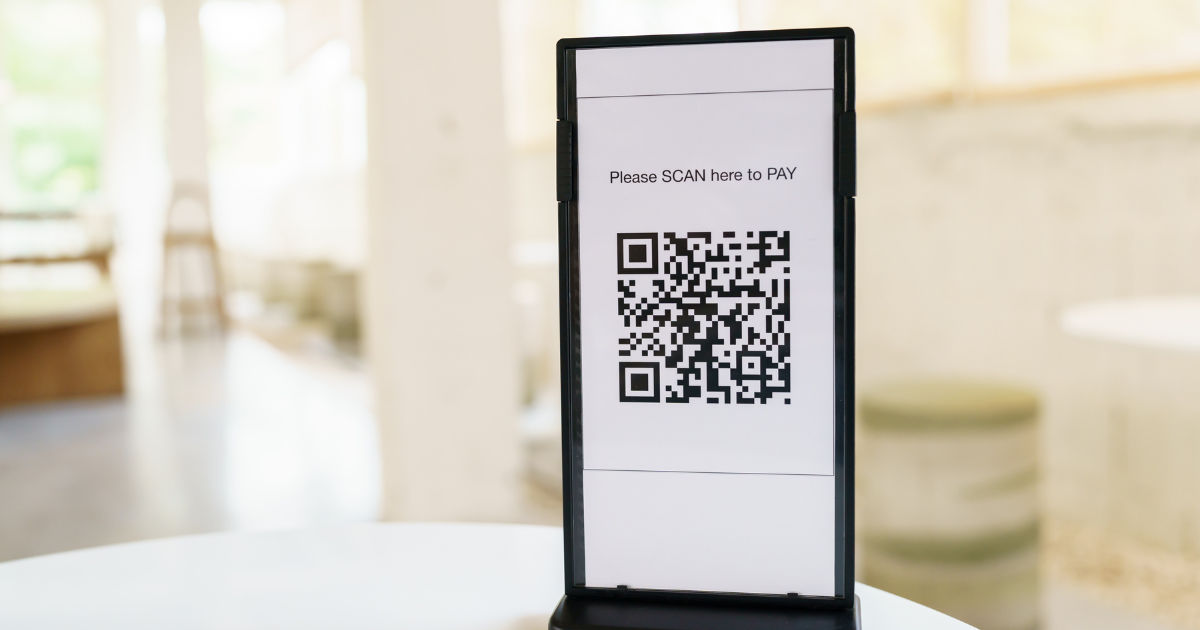
A free online qr code creator allows users to generate QR codes quickly for websites, contact details, menus, payments, events, product information, and many other purposes. However, printing a QR code requires attention to size, quality, format, and placement to ensure that it can be scanned without problems.
Whether you are creating a QR code for a small business, personal project, classroom activity, or marketing material, knowing how to print it correctly helps you get better results. A poorly printed QR code may look fine but fail when someone tries to scan it. This guide explains the complete process, from creating your code to selecting the right printing method.
QR Codes Before Printing
A QR code is a two-dimensional barcode that stores information in a pattern of black and white squares. Smartphones and QR scanners read these patterns and convert them into useful information, such as a website link, text message, location, or payment page.
Before printing, it is important to understand that a QR code is not just an image. Every small square inside the code contains information. If the pattern becomes unclear because of low-quality printing, stretching, or poor contrast, the scanner may not recognize it.
Using a reliable free online qr code creator helps generate a clean and accurate QR code that maintains proper structure. Once the code is created, the next step is preparing it for printing.
Steps to Create and Print a QR Code
Choose the Information You Want to Share
The first step is deciding what your QR code should contain. Common options include:
-
Website URLs
-
Social media profiles
-
Business contact details
-
Digital menus
-
Product instructions
-
Event registrations
-
Wi-Fi information
-
Customer feedback forms
A clear purpose helps you create a QR code that provides value to users. Avoid adding unnecessary information because complex QR codes may become harder to scan.
Generate the QR Code Online
After selecting your information, enter it into the QR code generator tool. A free online qr code creator usually provides simple options where you can paste your content and instantly create a QR code.
Many tools also allow customization, including:
-
Changing colors
-
Adding a logo
-
Selecting different shapes
-
Choosing file formats
-
Adjusting design styles
While customization can make your QR code attractive, avoid making too many changes. The main goal is always easy scanning.
Download the QR Code File
Once your QR code is ready, download it in a suitable format. For printing purposes, high-quality file formats are recommended.
Common options include:
-
PNG for general printing
-
SVG for professional designs
-
PDF for documents and posters
SVG files are often preferred because they can be resized without losing quality. If you plan to print a large QR code on banners or signs, a scalable format is usually the best choice.
Preparing a QR Code for Printing
Select the Correct Size
QR code size plays an important role in successful scanning. A code that is too small may not be readable, especially from a distance.
For small items like business cards, the QR code should generally be at least a few centimeters wide. Larger materials such as posters, product packaging, and signs require bigger QR codes.
Consider where people will scan the code. A menu placed on a restaurant table can use a smaller size, while a billboard requires a much larger version.
Maintain High Image Quality
Printing a blurry QR code can create scanning problems. Always use a high-resolution image and avoid copying a QR code from a screenshot.
When preparing your design:
-
Avoid stretching the image
-
Keep sharp edges
-
Use proper resolution
-
Export using quality settings
A professional-looking QR code increases trust and improves the user experience.
Keep Strong Color Contrast
QR codes work best when there is a clear difference between the code and the background. Traditional black-and-white designs usually provide the highest scanning reliability.
If you customize colors, remember:
-
Dark patterns need a light background
-
Avoid similar colors
-
Do not use busy backgrounds
-
Test the code before printing
A beautiful design is useful only if people can scan it easily.
Choosing the Right Printing Material
The surface where you print a QR code affects performance. Different materials reflect light differently, which can impact scanning.
Paper Printing
Paper is one of the most common choices for QR codes. It works well for:
-
Flyers
-
Business cards
-
Brochures
-
Posters
-
Instructions
Use good-quality paper to prevent ink spreading or fading.
Product Labels
Businesses often place QR codes on packaging and labels. In these cases, the code should remain readable after handling, storage, and transportation.
Choose durable printing materials and test the code after applying the label.
Outdoor Printing
QR codes used outdoors need extra protection. Weather, sunlight, and moisture can damage printed codes over time.
For outdoor use, consider:
-
Weather-resistant materials
-
Protective coatings
-
Larger code sizes
-
Regular scanning tests
Testing Your Printed QR Code
Never assume a printed QR code works without testing it. Before distributing your materials, scan the code using different smartphones.
Testing helps identify issues such as:
-
Incorrect links
-
Poor print quality
-
Small size
-
Low contrast
-
Damaged areas
A good practice is testing the code from different distances and angles. Real users may not always scan under perfect conditions.
A free online qr code creator can help you generate the code, but the final printed result depends on proper preparation and quality control.
Common Mistakes When Printing QR Codes
Making the Code Too Small
One of the biggest mistakes is reducing the QR code size too much to fit a design. A small code may look neat but become difficult to scan.
Always prioritize function over decoration.
Adding Too Many Design Elements
Logos, colors, and creative shapes can improve appearance, but excessive changes may interfere with scanning.
Keep enough clear space around the QR code and avoid covering important sections.
Printing Low-Quality Images
Using compressed images can damage the small details inside the QR code. Always use the original downloaded file instead of a copied version.
Forgetting the Quiet Zone
The empty space around a QR code is called the quiet zone. This area helps scanners identify where the code begins.
Do not place text, borders, or graphics too close to the edges.
Best Practices for Professional QR Code Printing
For professional results, follow these recommendations:
-
Use a high-resolution QR code file
-
Print a test sample first
-
Choose the correct size
-
Maintain strong contrast
-
Place the code in an easy-to-find location
-
Add a short instruction like “Scan Here”
-
Check that the linked content works
Businesses especially benefit from testing because a broken QR code can create frustration for customers.
Using QR Codes for Different Purposes
QR codes have become common in many industries. Restaurants use them for digital menus, stores use them for product details, and companies use them for marketing campaigns.
A free online qr code creator makes it possible for individuals and businesses to create useful digital connections without expensive software. After printing, the QR code becomes a bridge between physical materials and online information.
For example, a business card with a QR code can instantly share contact details. A product package can provide instructions or warranty information. An event poster can allow visitors to register with a simple scan.
How to Improve the Printing Process
Improving your printing process does not always require expensive equipment. Small adjustments can make a major difference.
Start by creating a test version. Print it at the intended size and scan it several times. If problems appear, adjust the size, contrast, or placement.
For large projects, professional printing services may provide better results because they use advanced equipment and quality materials.
Conclusion
Printing QR codes successfully requires more than simply downloading an image and placing it on paper. The process involves choosing the right information, creating a clear code, selecting the correct file format, maintaining quality, and testing the final printed version.
A free online qr code creator provides an easy way to generate QR codes for personal and professional needs. However, the effectiveness of the QR code depends on how carefully it is prepared for printing.
By following proper sizing guidelines, maintaining strong contrast, using high-quality files, and testing before distribution, you can create QR codes that work reliably in real-world situations.
Whether you are printing a QR code for a business card, product label, poster, or event material, careful preparation ensures that users can scan it quickly and access the information they need.
The goal of any printed QR code is simple: make the connection between physical and digital information easy, fast, and reliable. With the right approach, QR codes can become a powerful tool for communication, marketing, and everyday convenience.